SysAdmin
-
Windows Update stuck 3 of 3 – Can’t use PC
It would seem that the last batch of updates from Microsoft around the 12th-14th May 2015 have been causing quite a few PC’s to hang stopping at Update 3 of 3. This so far looks like it is only affecting Windows 7 Pro X64 based PC’s As with most IT Professionals, we would never suggest read more…
Written by
-
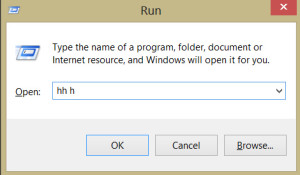
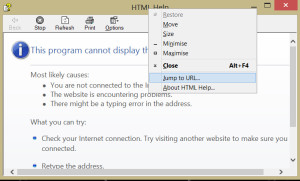
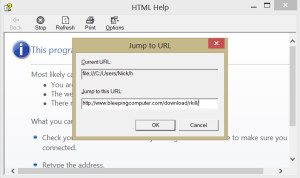
Can’t use browser – Jump to URL (hh h)
Ever been stuck with a web browser so full of toolbars or extensions that its almost impossible to do anything? Is your browser unresponsive or you are unable to use the internet? Then you need to deploy the Windows hidden Cutdown browser: Here is how to access the web when you can’t use browser. Simply use read more…
Written by
-
Resolve Logmein Error 4320 (Method 2)
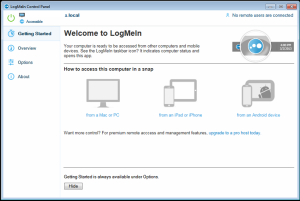
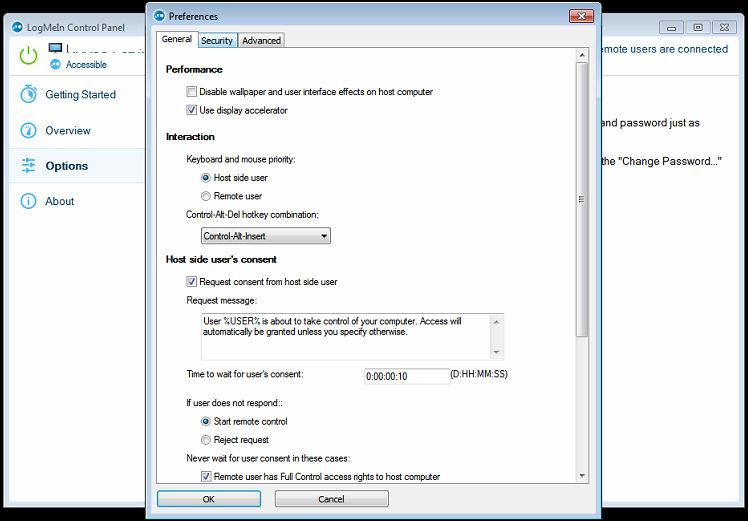
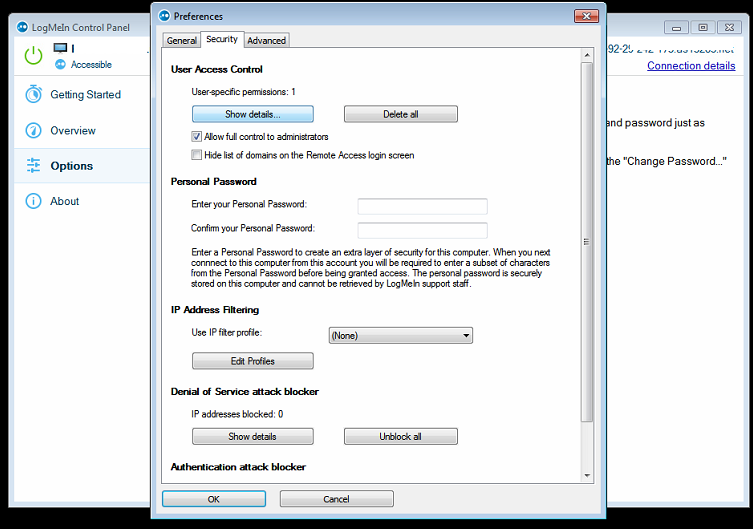
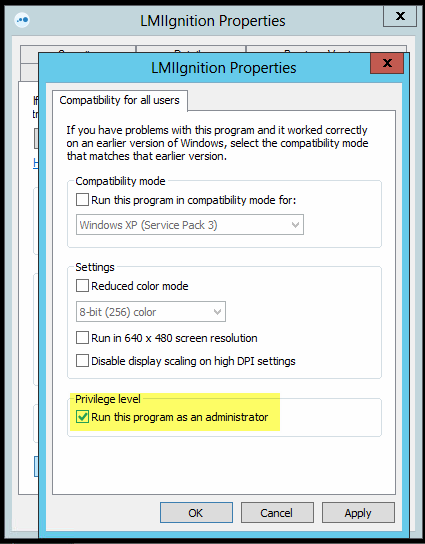
Another way to resolve Logmein Error 4320 As discussed in my previous article on this logmein issue, this error code is most commonly found in a domain environment, or where there may be some form of user lockdown, and may even occur on a multi user non domain PC. Basically, it is read more…
Written by
-
Resize VHD / Shrink Virtual xp Disk
So you still have something running on that Virtual XP machine silently consuming space on your HDD? Finally decided that you need to resize VHD disks to free up wasted storage? Here is how; 1) Turn off your VHD or close any programs that may be running (status should be Powered down) 2) In the Virtual Machines read more…
Written by
-
Resolve Logmein Error 4320 (Method 1)
How to resolve Logmein Error 4320 Whilst setting up logmein for remote access in a pretty locked down domain environment, I have noticed that quite frequently we would get an ‘admin error 4320’ on the remote users PC. Now the official logmein site would suggest adding users within the logmein interface, which we will cover in read more…
Written by
-
Connect to O365 using Powershell (Windows Azure Active Directory Module )
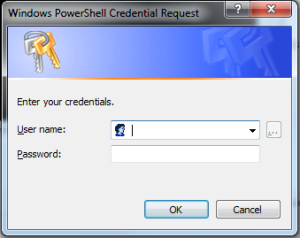
So you need a quick way to connect to o365 to manage email for either yourself or your clients? Load up the Azure Directory module, link below: http://go.microsoft.com/fwlink/p/?linkid=236297 Type (or copy/paste): $msolcred = get-credential connect-msolservice -credential $msolcred It will then prompt for your Office 365 administrators user/pass. Hit enter, You are now connected to your read more…
Written by
-
Top 5 Obvious but little known useful cmdlets and IT support tricks
As an IT technician, I am often adding new quick tricks to my mental shorcuts list, here are my current top 5: Need to log onto a domain as the local PC admin but don’t know the PC name? Simply use ” .\” at the start of the admin username to log on as a read more…
Written by